

Dark Theme for Agent Portal
The all-new Dark Theme gives HappyFox Help Desk a sleek new look that’s easier on the eyes in low-light environments.
Try out the new Dark Theme today!
To activate the Dark Theme, go to the profile drop-down >> Themes >> Choose Theme and select "Dark Theme".
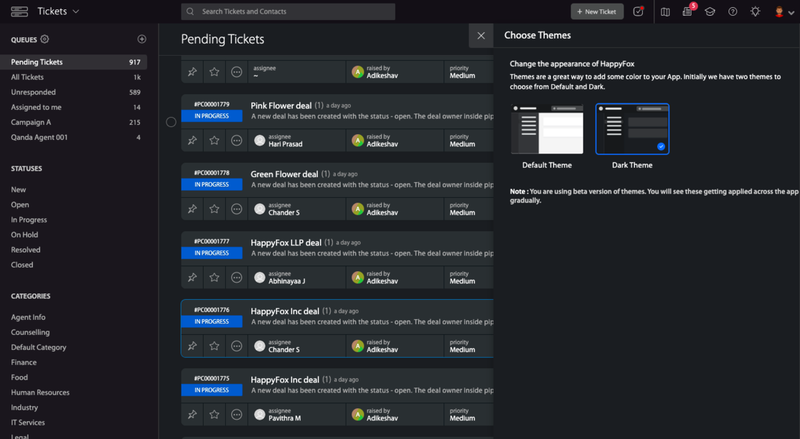
Please note that this feature is in beta version and you will see these getting applied across the app gradually.
