17 Feb 25
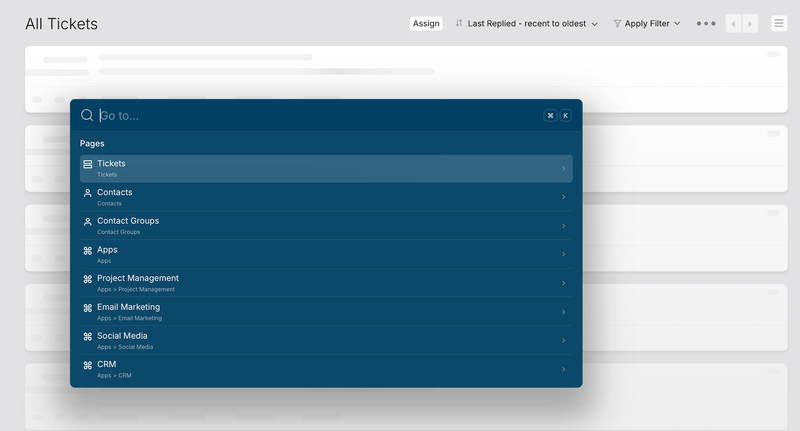
Navigate your help desk with unprecedented speed! The new "Go To" feature lets you jump to any page or subpage within HappyFox in an instant. It's also conveniently located as the first icon on the main menu on the left.
Simply press ⌘ + K (Mac) or Ctrl + K (Windows) to open the "Go To" modal, then search for your destination and go!
Click here to learn more.


 Copied!