

Drag and Drop Images in Contact Portal
Your customers can choose to drag and drop images inside the ticket reply area and new ticket form description area in their contact portal in addition to manually selecting the image through the file uploader.
Pro Tip: You can also command/control + v images in clipboard into the ticket reply area for easy upload of images
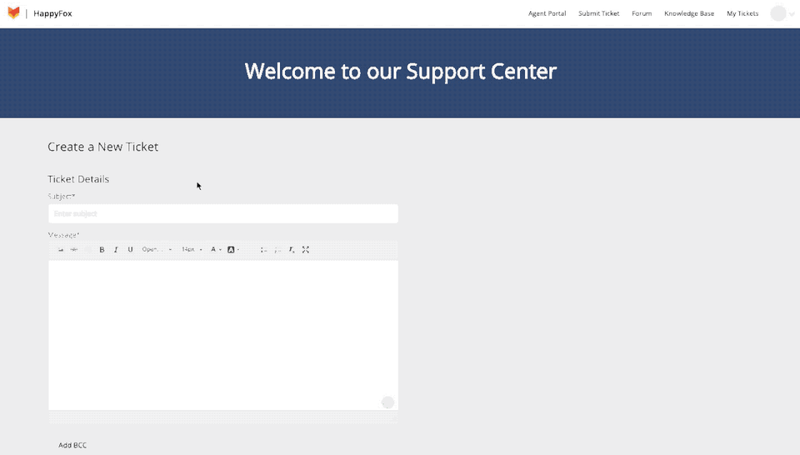
For Security Reasons, drag and drop images functionality is not available in pre-login new ticket form.
Note: This feature is applicable only to those HappyFox accounts having the v2.0 edition of Support Center and Contact Portal
