

Pop Over to display ‘From’, ‘To’, ‘Cc’, ‘Bcc’ details of a ticket update
Clicking the dropdown near the profile/name in a ticket reply update will now open a pop-over with the following ticket update information:
- From e-mail address
- To e-mail address
- Cc recipients
- Timestamp
- Bcc recipients
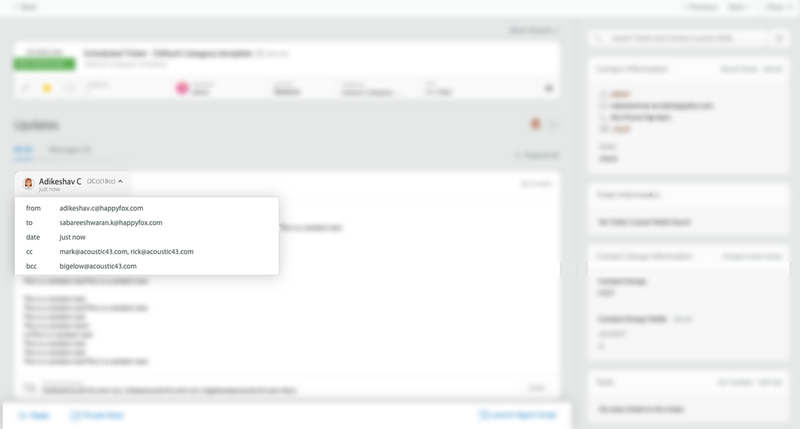
This information is handy, as you'd no longer have to scroll all the way to the end of a long ticket reply update to know the Cc/Bcc recipients.
