

Toggle for Relative/Actual Timestamps in Tickets
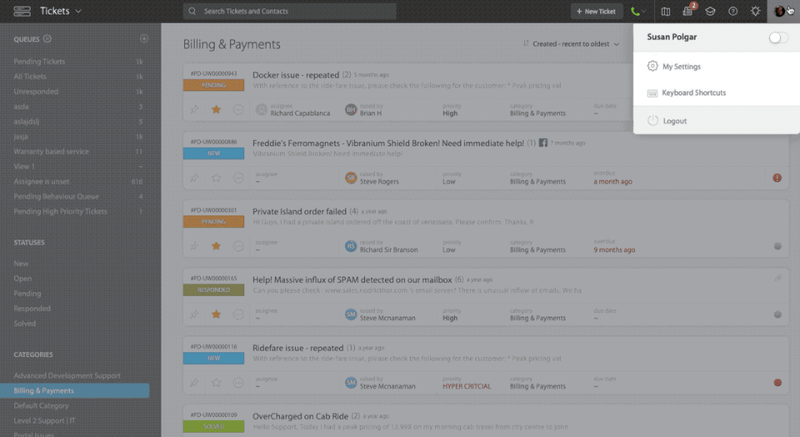
We're introducing a new option inside "My settings >> Ticket Preferences" to toggle between actual timestamp or relative timestamp as the default display format for date/time values in tickets. This preference is customizable at the agent level.
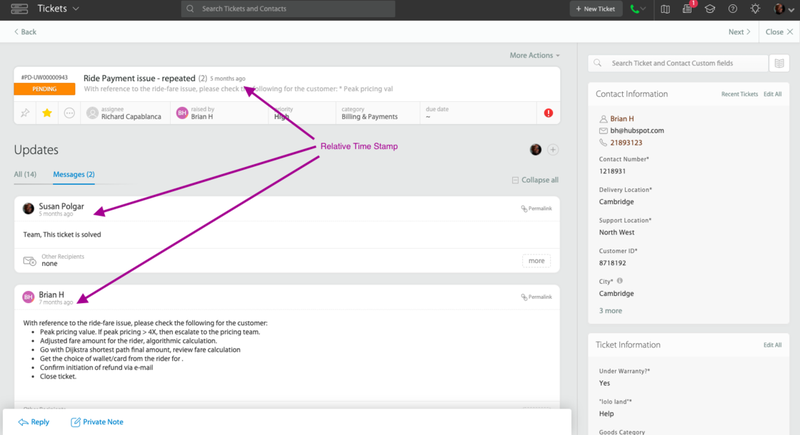
Ticket Details page with Relative Timestamps:
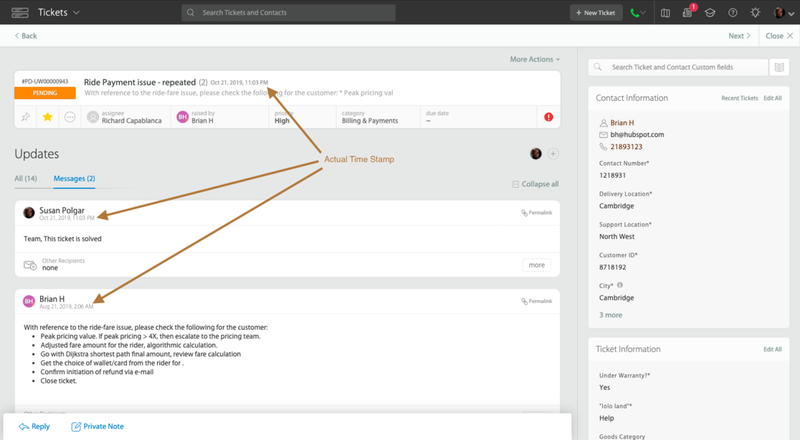
Ticket Details page with Actual Timestamps:
Learn more about Ticket Preferences
Important Note: Relative/Actual timestamp settings will not be applied for Due dates and system updates.
